 GemDotHabits2 min read
Make your habits visible: dots, check-ins and gems of the week
How GemDot captures your days – with habits as dots, a quick daily check-in and the gems of your week. And why your data stays private.
Read more


Nothing found. Try another word – or write to me directly.
Tip: ⌘K or Ctrl+K opens search anywhere.
KassioMoney & subscriptions2 min readHow to add subscriptions and fixed costs in Kassio, get a reminder well before the cancellation deadline and use the Subscription Radar to see what costs you the most per year.
Subscriptions are handy – until you lose track of them. Kassio helps you see all your recurring costs in one place. You don’t need a bank login or an account: you enter your costs, Kassio does the math, right on your device.
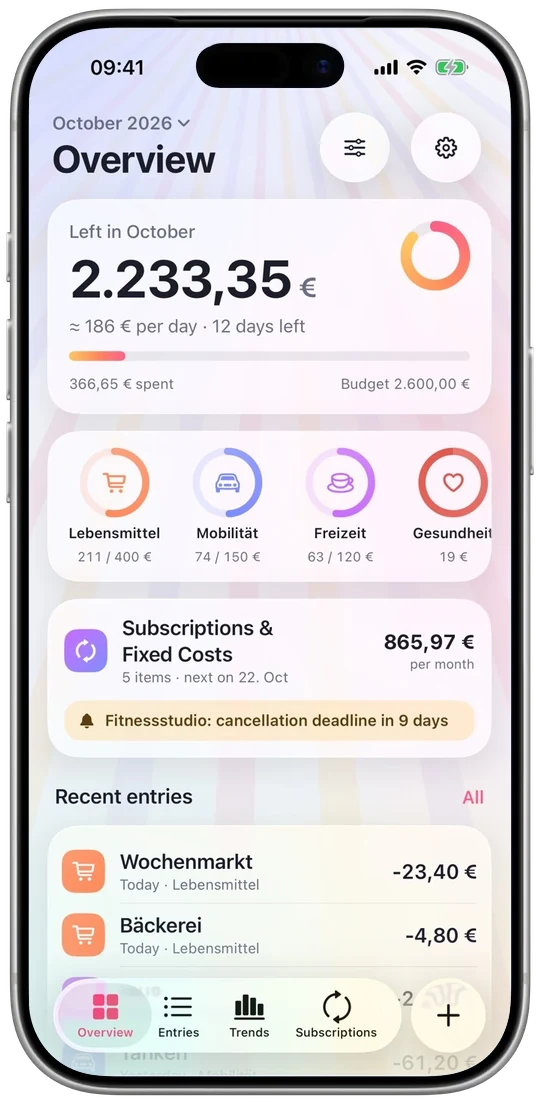
Add a subscription or a fixed cost with the right interval – anywhere from weekly to yearly. Kassio then books the amount automatically, so you don’t have to enter it again each time.
With subscriptions, timing is everything. Kassio reminds you 1, 3, 7 or 14 days before the cancellation deadline – you decide how much notice you need.
💡 My tip: For yearly subscriptions, set the reminder to 14 days ahead. That leaves plenty of time to decide calmly whether you still need it.
Since version 1.0.1, Kassio has the Subscription Radar. It shows at a glance which subscriptions and fixed costs cost you the most per year. Small monthly amounts often look very different once you see them for a whole year.
Just one thing: when you add a website to a subscription, Kassio fetches the icon directly from that website – without cookies and without sending any personal details. As with any website visit, that site technically sees your device’s IP address. After that, the icon is stored on your device and works offline.
Transactions, budgets and subscriptions stay on your device only – no iCloud sync, no servers of mine, no tracking and no ads. With CSV export you can take them with you at any time, for example to Numbers or Excel. If you like, you can lock Kassio with Face ID or your device passcode.
Update: Since Kassio 1.2.0, with optional iCloud sync¹ in your private iCloud. So Kassio no longer loads just one thing from the internet: purchases and iCloud sync run directly through Apple, and Kassio only loads subscription icons when you choose to load one. More in the app privacy policy.
With Pro, including all future updates and new features at no extra cost, as soon as they’re available.
Free download – Kassio Pro as a one-time purchase, no subscription
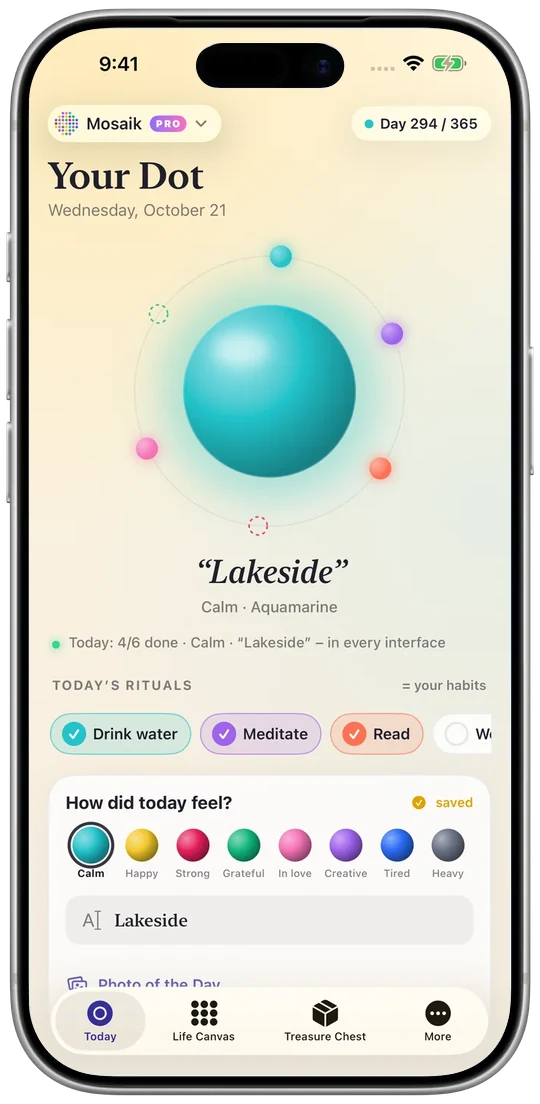 GemDotHabits2 min read
How GemDot captures your days – with habits as dots, a quick daily check-in and the gems of your week. And why your data stays private.
Read more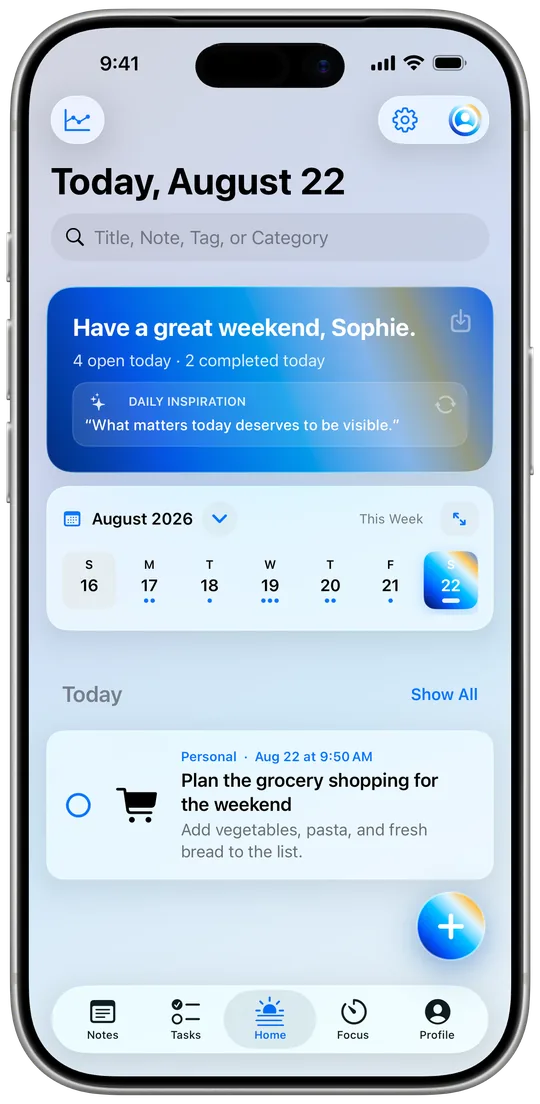 iFocus PlusData & sync2 min read
How the optional iCloud sync in iFocus Plus works, where to see its status and why you turn it on and off in iOS Settings.
Read more