


 iFocus PlusFocus4 min read
Focus with a system: Pomodoro and stopwatch in iFocus Plus
Why fixed work sessions work so well, and how to make iFocus Plus’s focus mode your own.
Read moreNothing found. Try another word – or write to me directly.
Tip: ⌘K or Ctrl+K opens search anywhere.
To-dos, calendar, notes and focus – in one calm app.
$12.99 · one-time purchase, no subscription
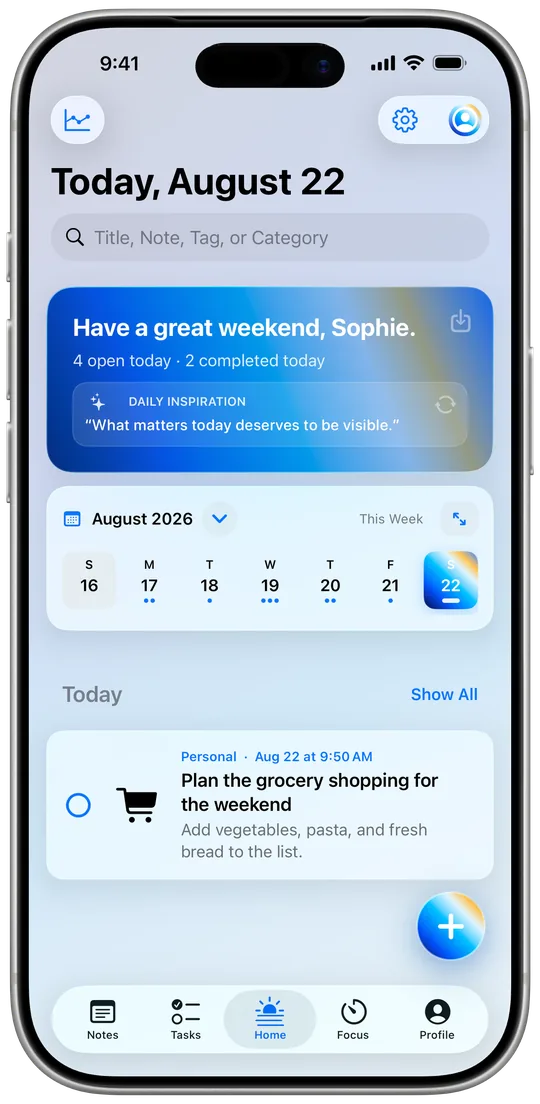
iFocus Plus brings together what usually lives in four apps: tasks, calendar, notes and a focus timer. All in one clear daily view that feels like yours – not like a data vacuum.
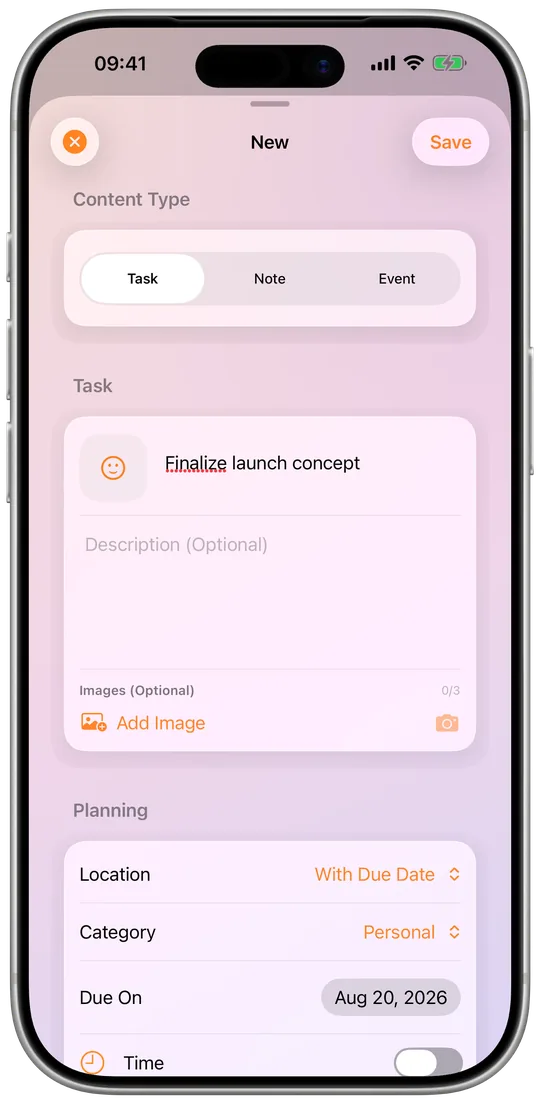
Inbox, priorities, reminders, images and filters – a title is enough, details come when you need them.
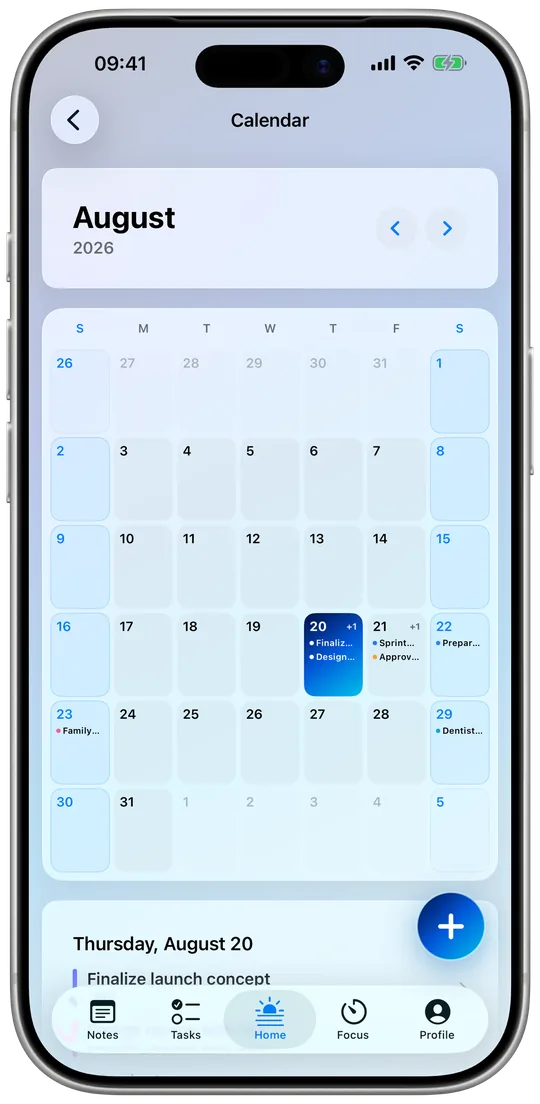
Month, week and day show events and tasks together. Planning without app-hopping.
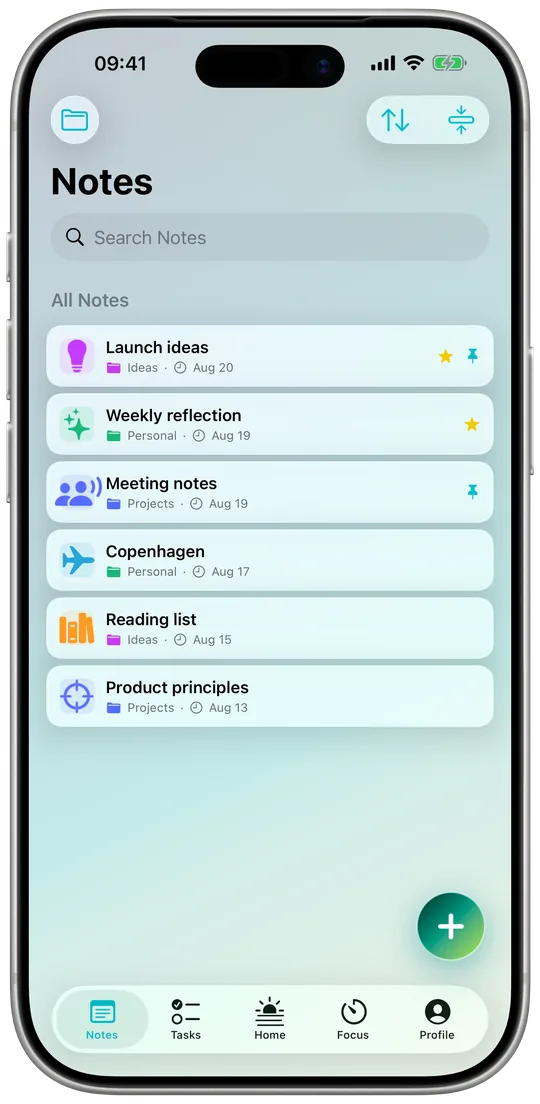
Groups, images and pinned notes make your thoughts easy to find again.
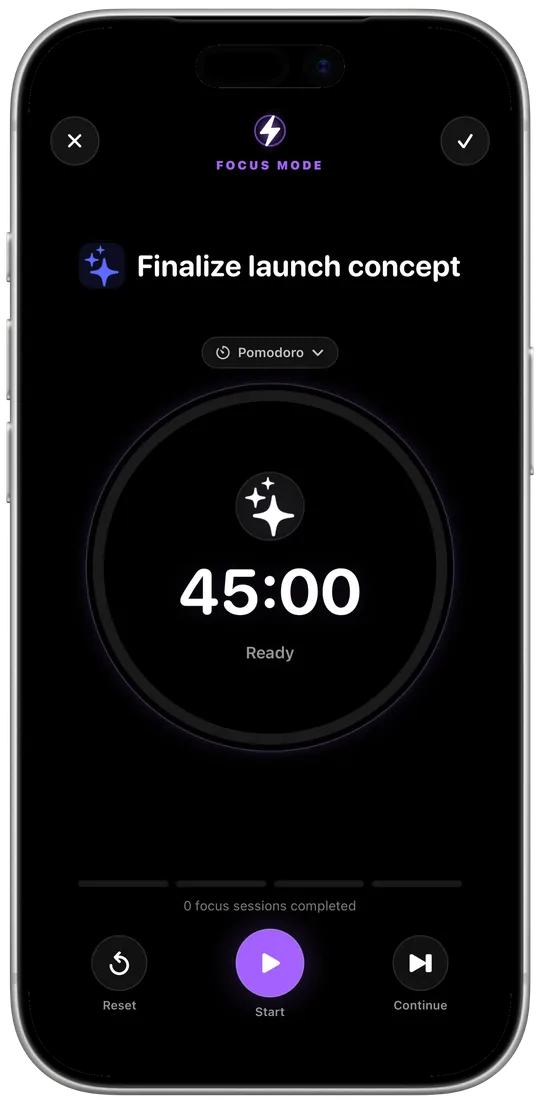
One task, one timer, less friction – with Pomodoro and stopwatch.
Today, to-dos and notes right on your Home and Lock Screen.
If you like, your own iCloud storage keeps iPhone and iPad in sync. No account with me.
Export as CSV, PDF or PNG and restore backups anytime.
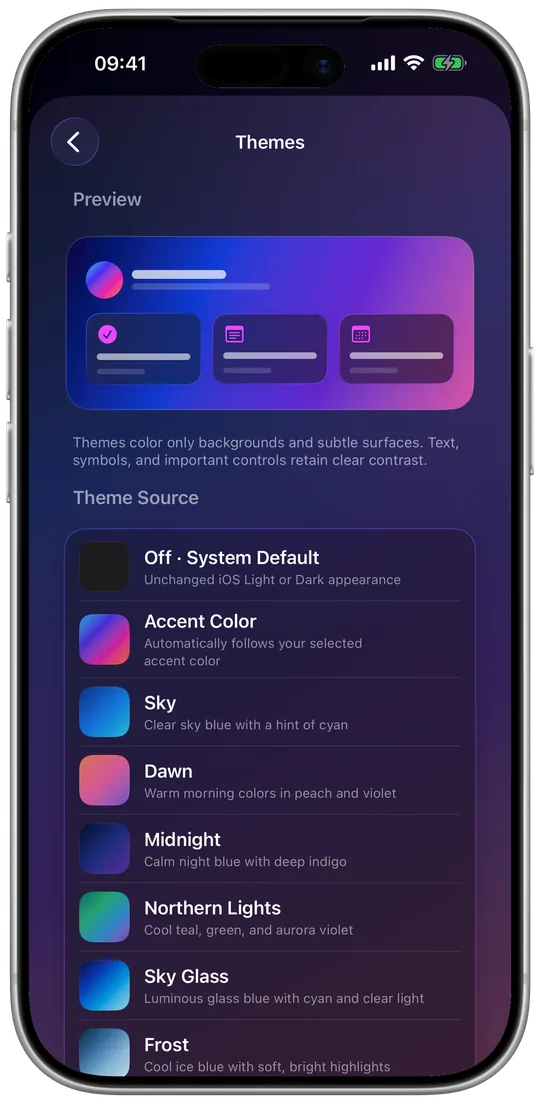
Accent colors, gradients, themes and alternate app icons.
iFocus Plus contains no tracking and no ads. Your content belongs to you – it stays on your device or, if you like, in your private iCloud storage.
iFocus PlusFocus4 min readWhy fixed work sessions work so well, and how to make iFocus Plus’s focus mode your own.
Read moreiFocus PlusPlanning4 min readHow the Today view, the calendar and three widget types tell you in seconds every morning what’s ahead.
Read moreiFocus PlusNotes & data5 min readGroups, pins and full-text search for your notes. Plus: working offline, private iCloud sync, export and backups.
Read moreNo. iFocus Plus works without sign-up. If you want, it syncs through your private iCloud storage.
No. You buy the app once and it's yours. No hidden subscriptions, no ads.
Yes. Tasks, notes and calendar stay fully usable without an internet connection.
iFocus Plus can optionally display content from Apple Calendar and Reminders. Calendar events can be opened and changed through the iOS system editor, and editable Apple Reminders can also be changed. This is a system-supported integration, not bidirectional cloud syncing operated by iFocus Plus.
Content remains available locally on your devices. If iCloud is enabled and available, it can sync through your private iCloud storage.
Available on the App Store for iPhone and iPad since 13 October 2026.
Bug, question or feature wish – your message lands directly with me.