
 iFocus PlusFocus4 min read
Focus with a system: Pomodoro and stopwatch in iFocus Plus
Why fixed work sessions work so well, and how to make iFocus Plus’s focus mode your own.
Read moreNothing found. Try another word – or write to me directly.
Tip: ⌘K or Ctrl+K opens search anywhere.
iFocus PlusPlanning4 min readHow the Today view, the calendar and three widget types tell you in seconds every morning what’s ahead.
The best plan is of little use if you have to go looking for it. That’s why iFocus Plus opens with the Today view: it shows your tasks and events for the day in one place, without hopping between apps.
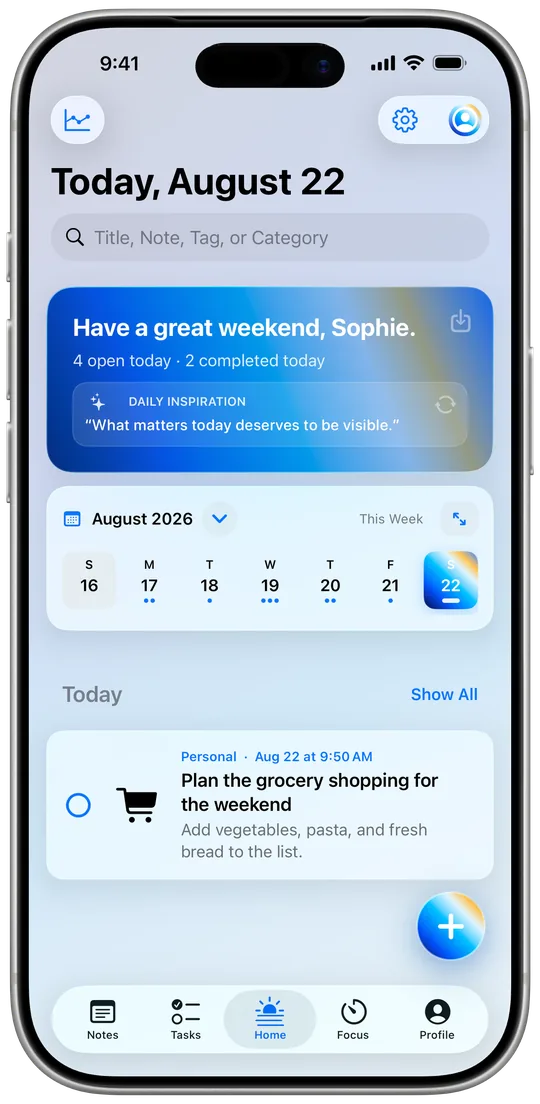
Your tasks and events come together in the Today view. If you like, iFocus Plus also brings in entries from Apple Calendar and Reminders. That way you see your meetings next to your to-dos and can tell right away how much room the day really has.
For the bigger picture, switch to the calendar. The day view helps with detailed planning, the week shows you bottlenecks, and the month gives you the big picture – perfect for spreading out projects and deadlines.
Three widget types bring iFocus Plus to your Home and Lock Screen:
💡 My tip: Put the Today widget on your Lock Screen. A quick glance in the morning then replaces clicking through three apps.
Try it for a week: every morning, open the Today view, pick the one task that would make it a good day, and start the focus timer for it straight away. Start small, make visible progress.
$12.99 · one-time purchase, no subscription
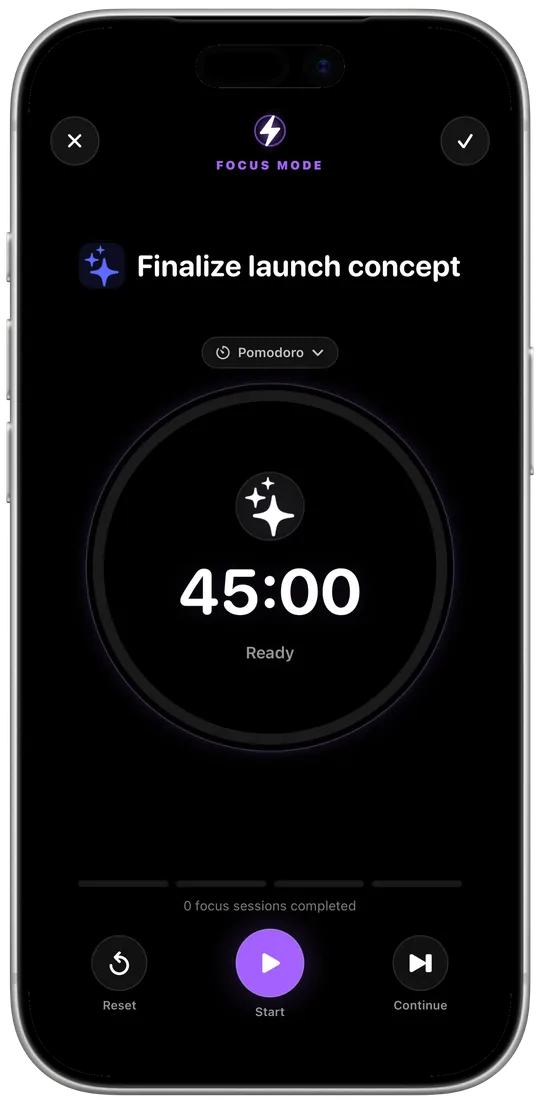 iFocus PlusFocus4 min read
Why fixed work sessions work so well, and how to make iFocus Plus’s focus mode your own.
Read more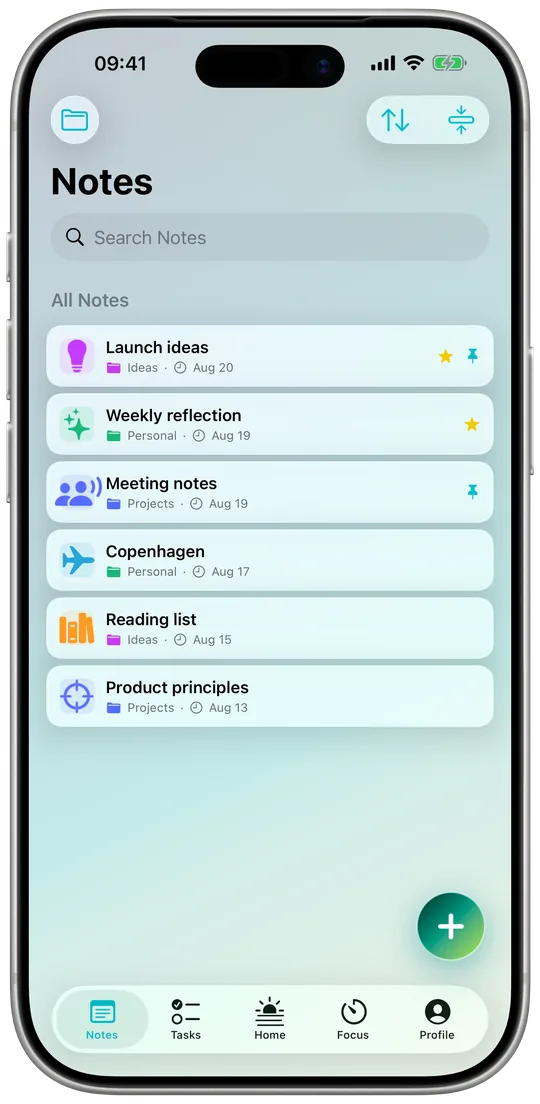 iFocus PlusNotes & data5 min read
Groups, pins and full-text search for your notes. Plus: working offline, private iCloud sync, export and backups.
Read more