
 iFocus PlusPlanning4 min read
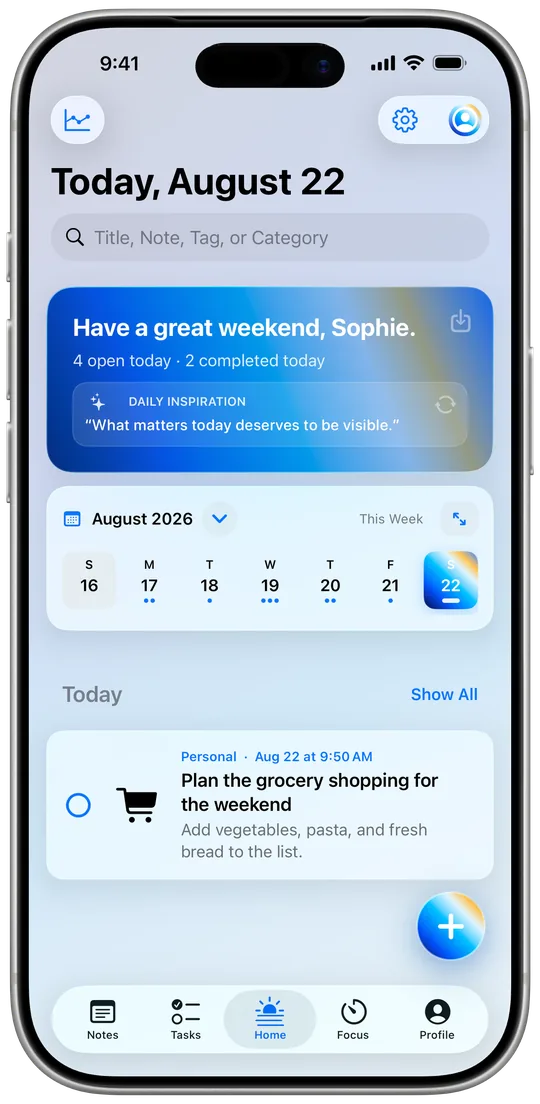
Your day at a glance: Today view, calendar and widgets
How the Today view, the calendar and three widget types tell you in seconds every morning what’s ahead.
Read moreNothing found. Try another word – or write to me directly.
Tip: ⌘K or Ctrl+K opens search anywhere.
iFocus PlusFocus4 min readWhy fixed work sessions work so well, and how to make iFocus Plus’s focus mode your own.
Sound familiar? You sit down to get one thing done, and an hour later you’ve started five things and finished none. That’s exactly what the focus mode in iFocus Plus is for. It links a timer to exactly one task, so you know what you’re working on right now and everything else can wait.
iFocus Plus gives you two ways to work:
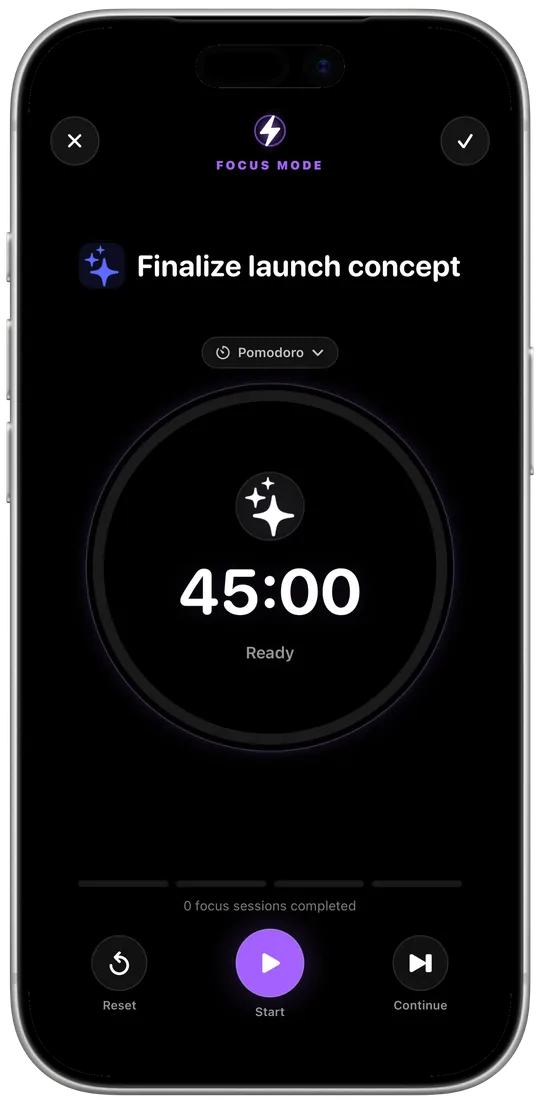
💡 My tip: Start with just one Pomodoro round a day for the task you’ve been putting off the longest. 25 minutes feels doable – and afterwards you’re often already deep into it.
Fixed time blocks take one decision off your plate: you don’t have to think about how long you’ll last, only until the timer ends. That lowers the barrier to getting started. And because your focus is tied to a specific task, at the end of the day you can see where your time really went.
$12.99 · one-time purchase, no subscription
 iFocus PlusPlanning4 min read
How the Today view, the calendar and three widget types tell you in seconds every morning what’s ahead.
Read more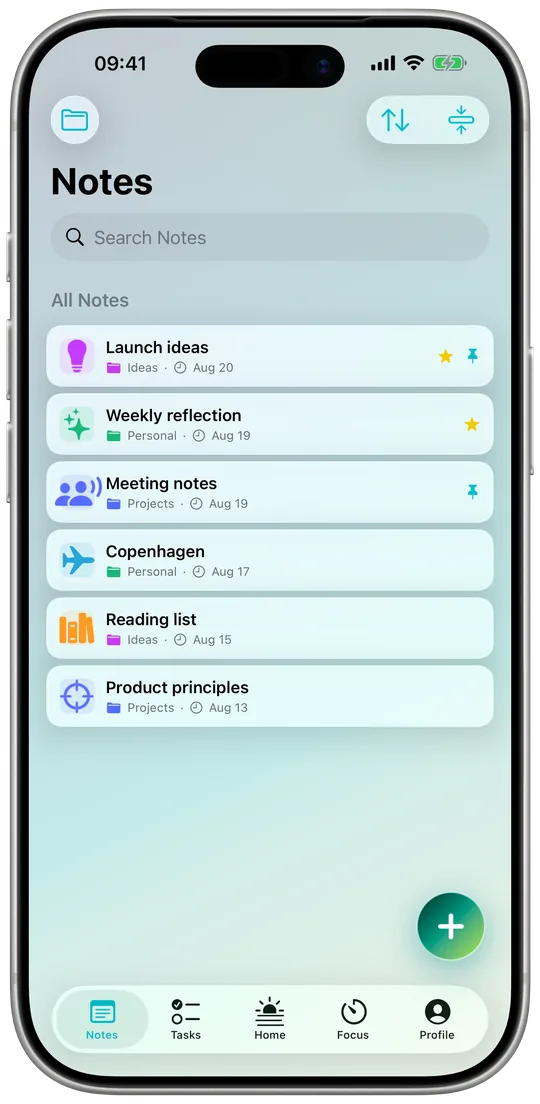 iFocus PlusNotes & data5 min read
Groups, pins and full-text search for your notes. Plus: working offline, private iCloud sync, export and backups.
Read more